Technology
Powering On/Off the Xerox C8000
Last modified 4/28/2026
Powering On
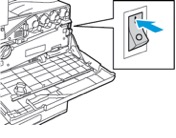
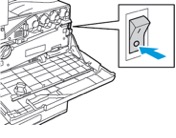
- Open the front door, then press the main power switch to the On position.
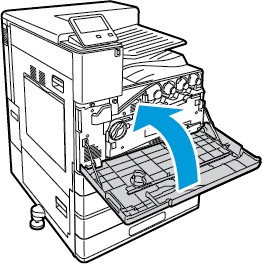
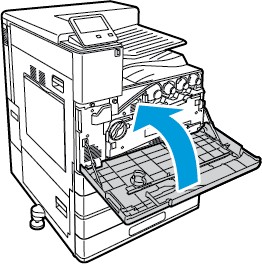
- Close the front door.
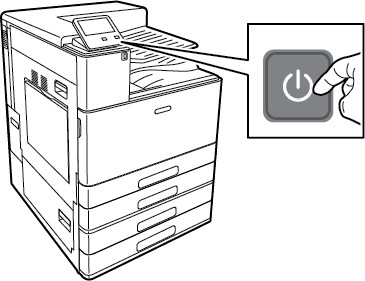
- At the printer control panel, press the Power/Wake button.
Caution: To avoid damage to the printer, do not unplug the power cord while the printer powers up.
Power Off
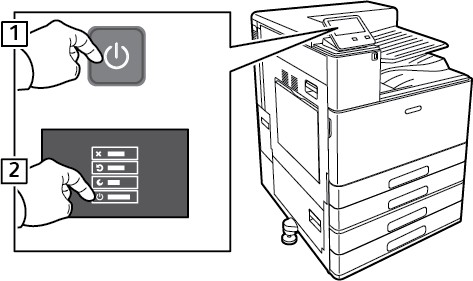
- At the printer control panel, press the Power/Wake button, then touch Power Off.
- Wait for the printer to complete the power-off procedure. When complete, the touch screen appears blank.
Caution: To avoid damage to the printer, do not unplug the power cord while the printer powers down. - Open the front door, then press the main power switch to the Off position.
- Close the front door.
Feedback
To suggest an update to this article, ISU students, faculty, and staff should submit an Update Knowledge/Help Article request and all others should use the Get IT Help form.