Technology
Anaplan
Last modified 10/26/2026
Anaplan is a cloud-based enterprise SaaS platform serving as the University's source system for financial planning and analysis (FP&A), budget models, all-funds budgeting, allocation modeling and forecasting. The platform streamlines and enhances institutional planning and financial decision-making by improving efficiency, standardizing business processes and providing greater visibility into financial information. These capabilities support more strategic resource allocation, increased financial transparency, and strong financial stability and performance aligned with the University’s vision.
Requesting Access
For the initial set up of Anaplan access, the Anaplan Implementation Team will work with divisional fiscal leads across the university to determine who will need access to complete tasks in the system.
The process of requesting access after the initial rollout is still under review and will be shared as it becomes available.
Any access questions can be directed to the ISU Anaplan Team at ISUAnaplanTeam@ilstu.edu.
Video Demonstration
The following video is an introduction to Anaplan.
How to access Anaplan
- To access Anaplan, open a web browser.
- Navigate to the Anaplan login page.
- Click the Login link:
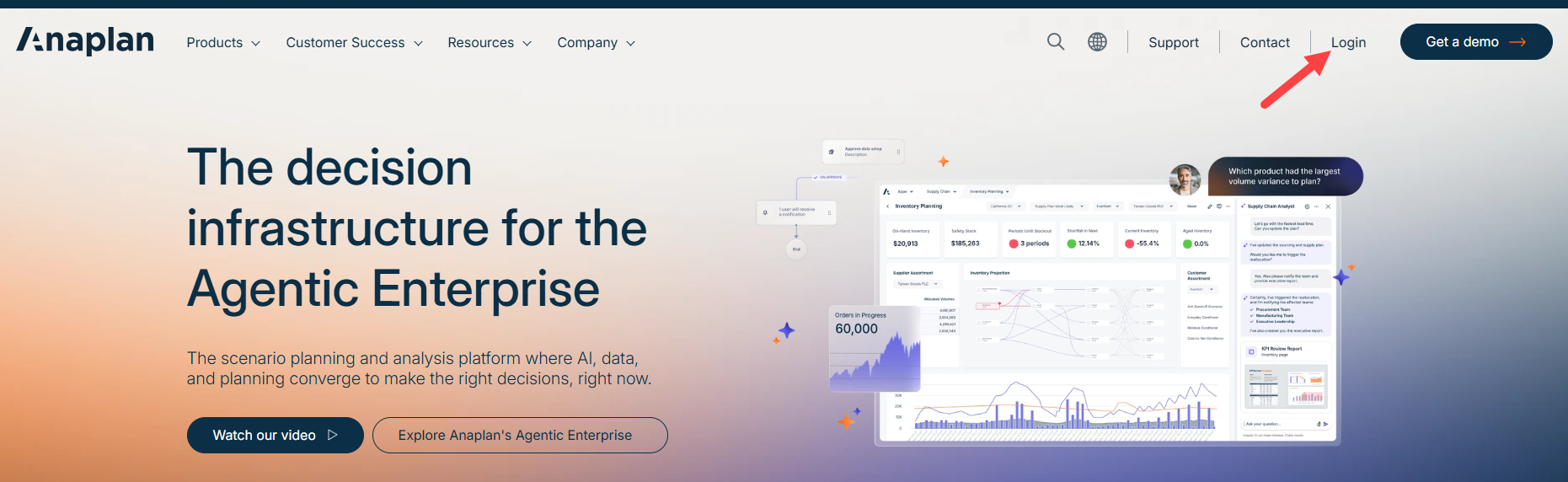
- This will open the Anaplan login page. Enter your ILSTU email address in the “Email address” field.
- Click the Continue button.
- This will open the Illinois State University Central Login page. Enter your email address in the "Sign In" field.
- Click the Next button.
- Enter your password in the "Enter password" field.
- Click the Sign In button.
- Complete the sign in process using your preferred MFA verification method.
- This will open your Anaplan homepage.
How to Get Help
If you require assistance, please email isuanaplanteam@ilstu.edu with your questions or concerns.
Feedback
To suggest an update to this article, ISU students, faculty, and staff should submit an Update Knowledge/Help Article request and all others should use the Get IT Help form.