Technology
Log-in Error when using SendTo off-campus
Last modified 4/24/2026
If you are off-campus, and/or not connected to “isunet” you may be presented with an error when logging into https://SendTo.illinoisstate.edu
- The Error
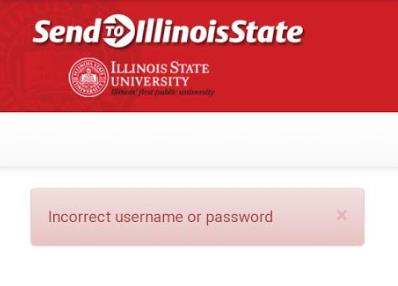
This error will be presented after entering your ULID and Password into the provided fields and clicking the Login button. (Figure 1)
Figure 1:
- The Solution
To prevent this error from happening when accessing SendTo off-campus do the following:
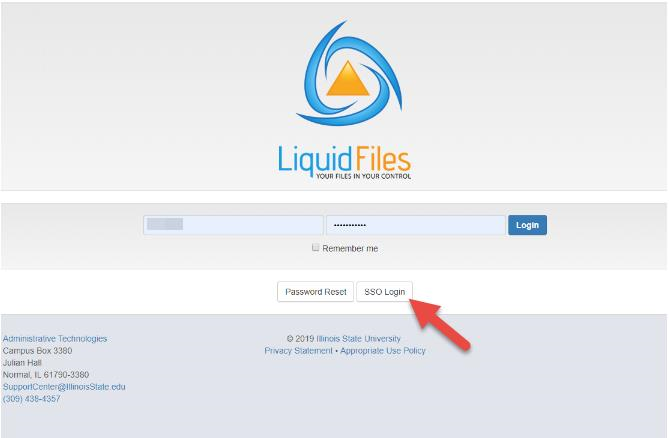
- Click the SSO Login button (Figure 2)
- You should be taken to CentralLogin, login with your ISU Email and password.
- You are now logged into SendTo
Figure 2:
How to Get Help
Technical assistance is available through the Illinois State University Technology Support Center at:
- Phone: (309) 438-4357
- Email: SupportCenter@IllinoisState.edu
- Submit a Request via Web Form: Get IT Help Form
- Live Chat: IT Help Live Chat
Feedback
To suggest an update to this article, ISU students, faculty, and staff should submit an Update Knowledge/Help Article request and all others should use the Get IT Help form.