Technology
How to get a Badge in Redbirds Elevate
To get badges in Canvas Redbirds Elevate, you will need to first be enrolled in a course. Once you are enrolled, you will login to Redbirds Elevate
- Select Go To Course (Image 1)
- Follow course instructions.
- Complete all modules and quizzes required.
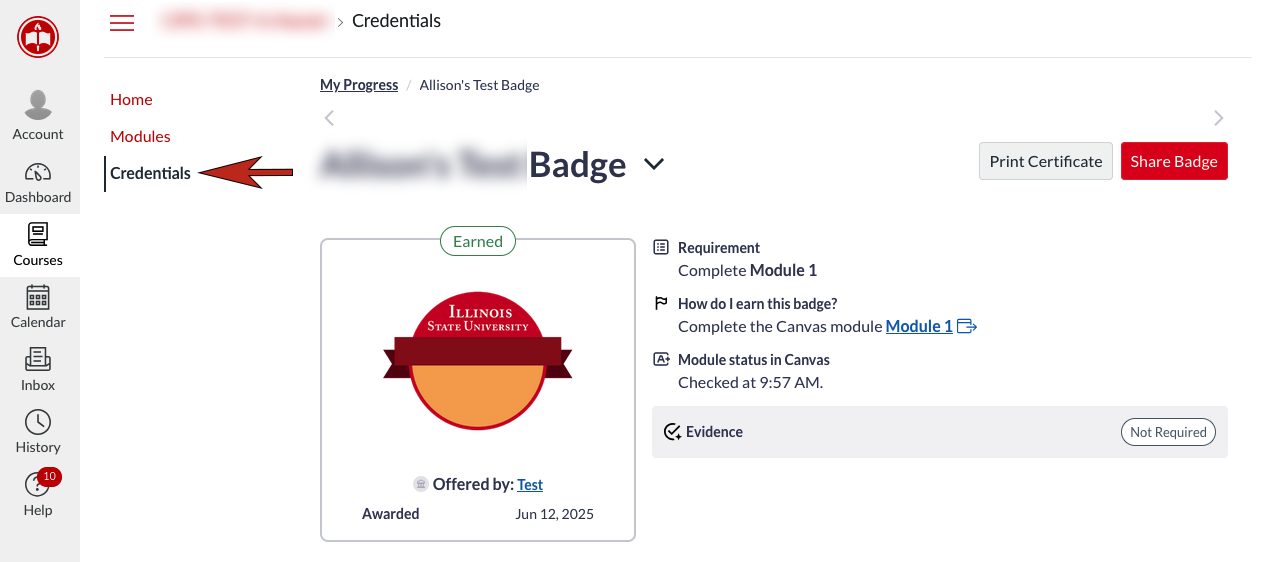
- Select Credentials to see if you have completed all requirements and earned your badge. (Image 2)
- You are now able to view the badge in this course or in your Canvas Badges Backpack.
Image 1:
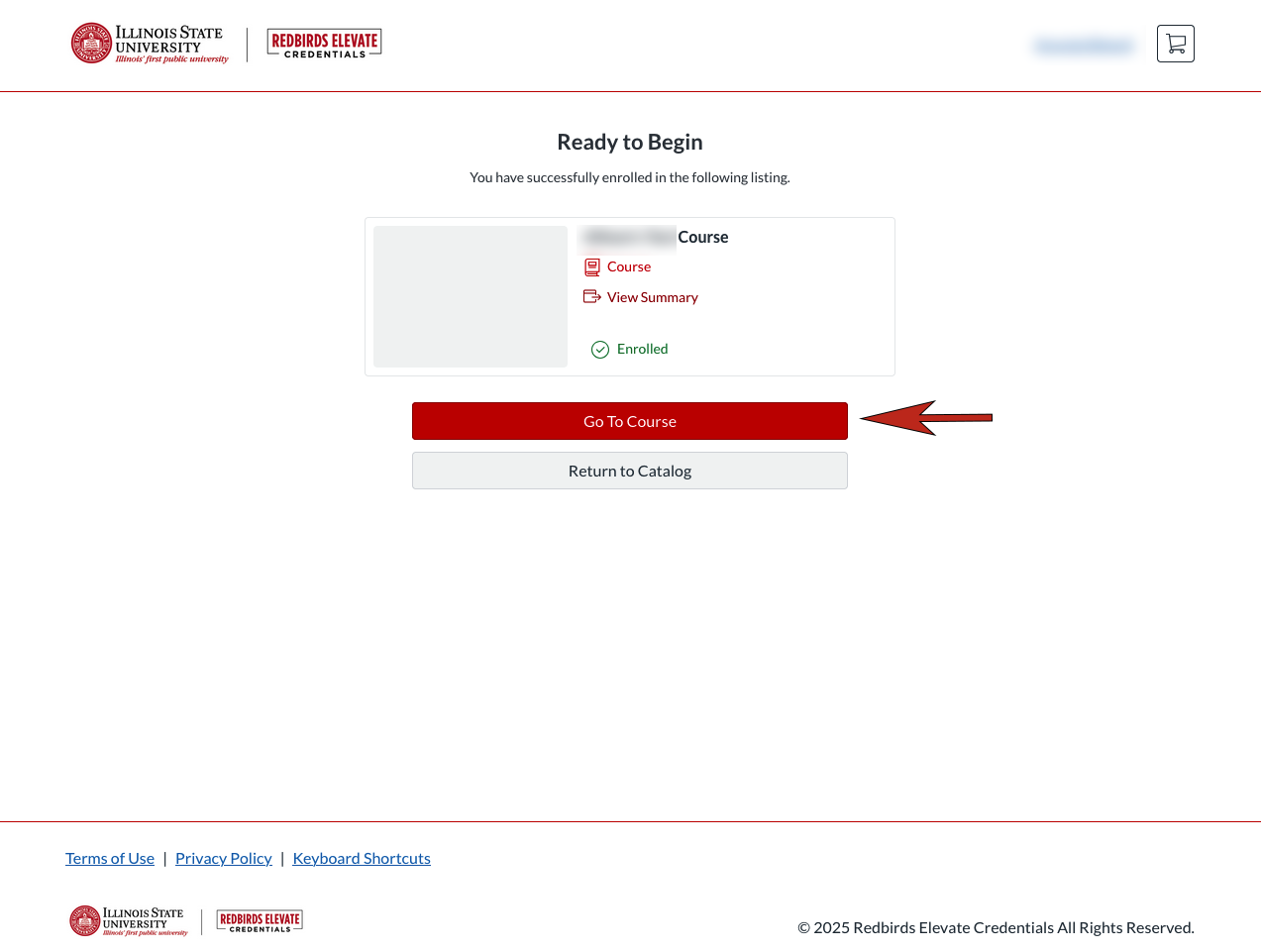
Image 2:
How to Get Help
Technical assistance is available through the Illinois State University Technology Support Center at:
- Phone: (309) 438-4357
- Email: SupportCenter@IllinoisState.edu
- Submit a Request via Web Form: Help.IllinoisState.edu/get-it-help
- Live Chat: Help.IllinoisState.edu/get-it-help