Identity and Access Management
Scripted Group Loader
Last modified 9/10/2026
- Navigate to or create group
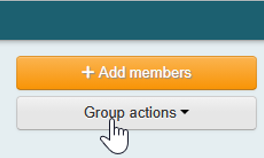
- Click on “Group actions”
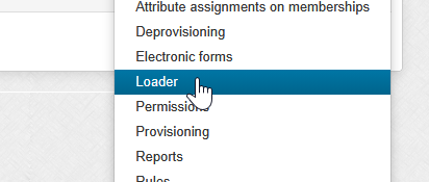
- Select “Loader” under administration
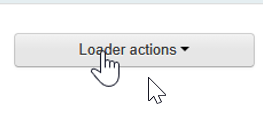
- Select “Loader actions”
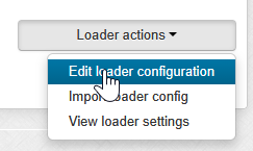
- Click “Edit loader configuration”
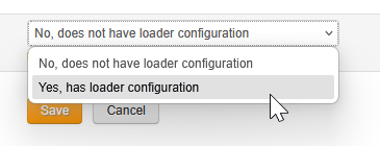
- Select “Yes, has loader configuration”
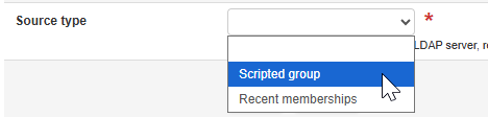
- Under “Source Type” select “Scripted group”
- Input script to select the desired population
example: ${entity.memberOf(‘path:to:group:Group1’) && entity.memberOf(‘path:to:group:Group2’)} - Click “Analyze” button
- Validate your group counts match what is expected and click “Save” to put it in place.

This will typically begin to populate the group within a minute
Feedback
To suggest an update to this article, ISU students, faculty, and staff should submit an Update Knowledge/Help Article request and all others should use the Get IT Help form.