Identity and Access Management
Exporting Members of Group
Last modified 5/20/2024
Walk through of how to export members of a group from Grouper to a file.
- Navigate to target group
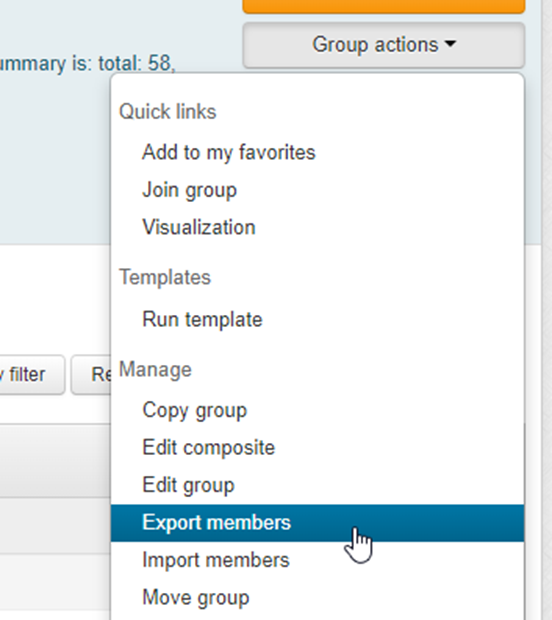
- Open “Group actions” menu on the right
- Select “Export members”
- Select “All member data” (“Only member IDs” will supply only Campus IDs)
- Save produced file to the desired location and open in application of choice
Still Need Assistance?
Please submit a ticket to the Technology Support Center (supportcenter@ilstu.edu) requesting it be directed to the Office of Identity and Access Management
See Also:
Feedback
To suggest an update to this article, ISU students, faculty, and staff should submit an Update Knowledge/Help Article request and all others should use the Get IT Help form.